
In this guide we describe how to install and activate Project 2016 on your PC. If you need help, contact our customer service for help with downloading, installing, and activating.
Step 1 #
Download the installation file for your Office package from Microsoft by selecting your language and then clicking the “Download”-button.
Download Microsoft Project 2016 (PC) #
Choose your language first, then click download.
The file is downloaded directly from Microsoft CDN.

Step 2 #
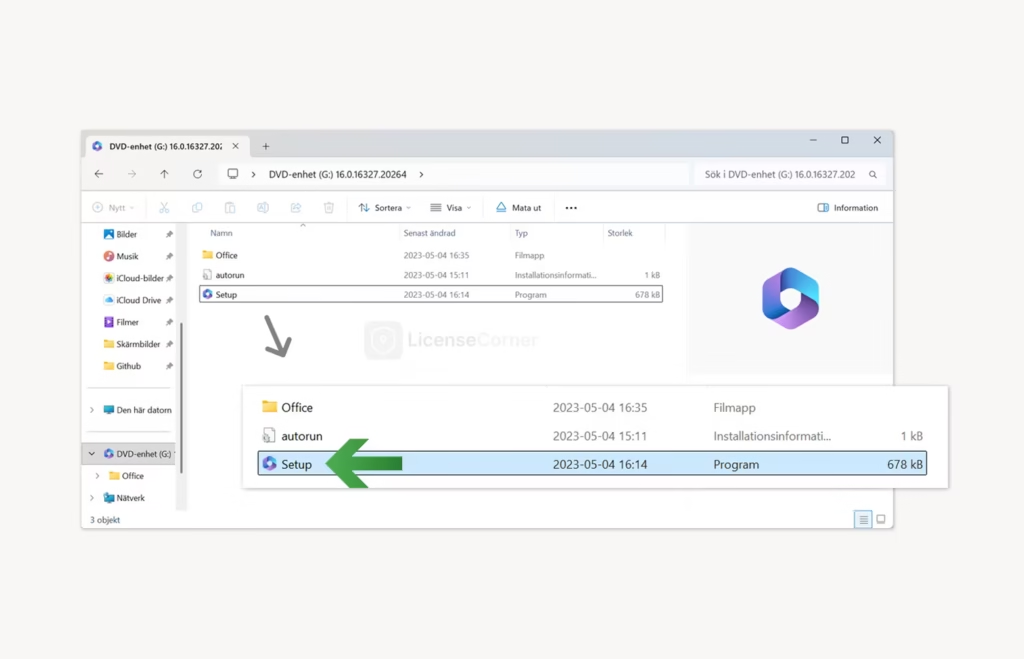
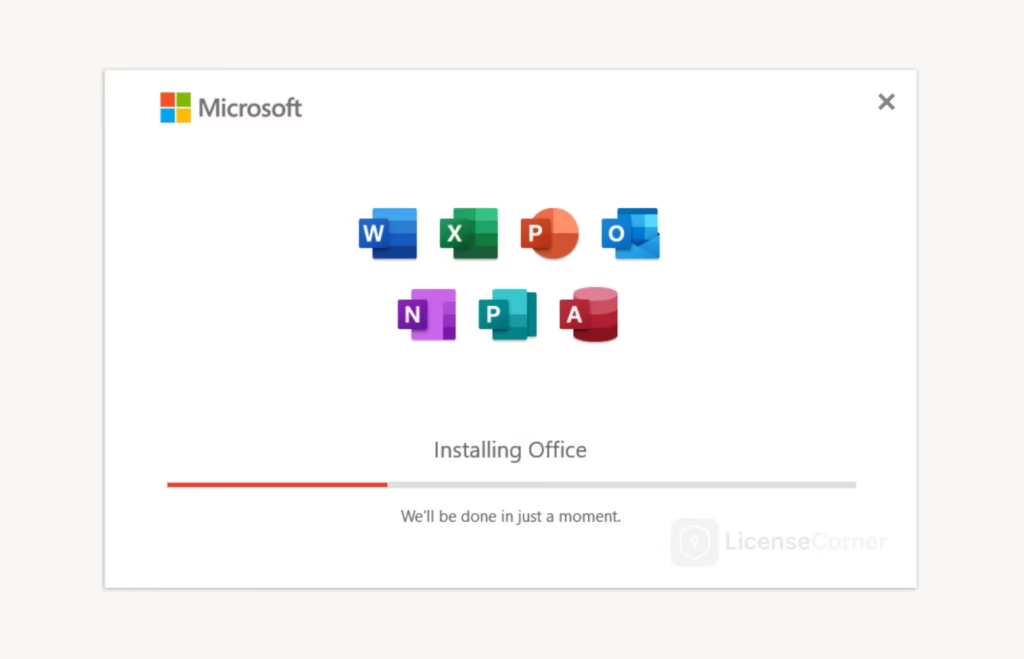
Once the download is complete, open the downloaded file which will open as a virtual disk image. Then double-click the “Setup” program in the folder that opens to start the installation.
Step 3 #
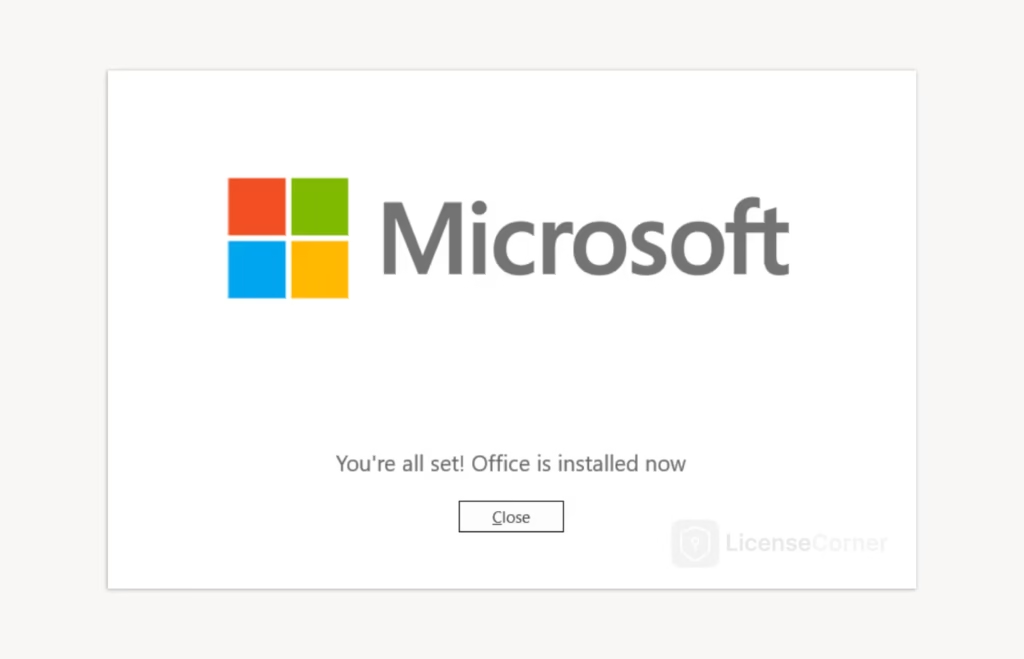
After a succesful installation press the “Close”-button.
Step 4 #
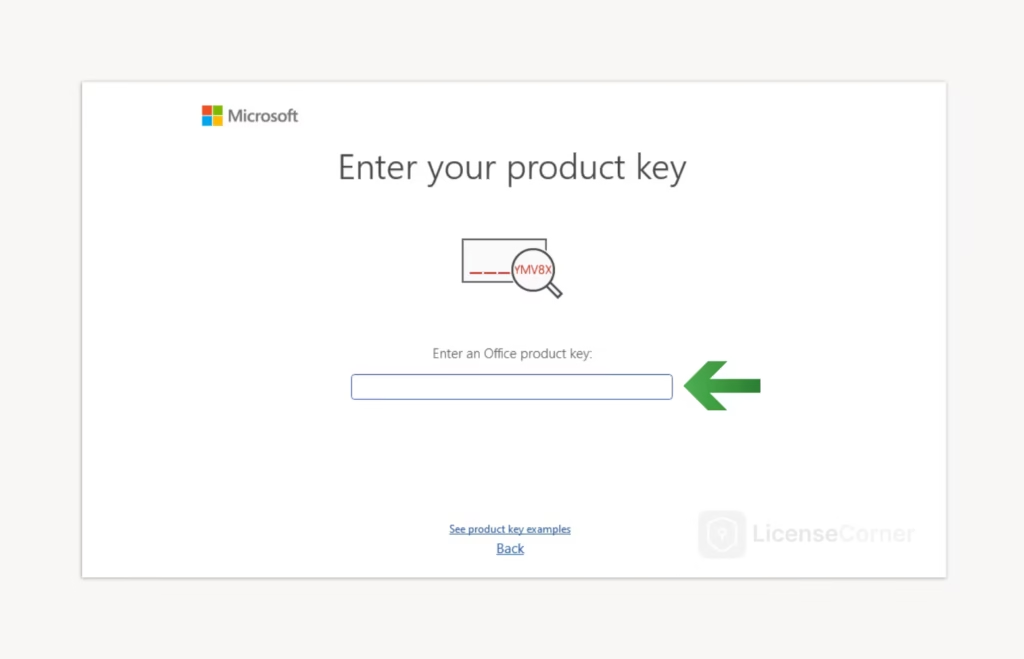
Search for “Project” in the Windows search box at the bottom of the screen and open the program. Accept the user agreements, enter your license key and you will be taken directly to the final activation window.
Step 5 #
When you get to the activation window, select the option “I want to activate the software over the internet.” and click the “Next” button to complete the activation of the software.
We hope you found the installation guide useful. If you encounter any problems or need help with any step, our customer service is here to assist, click “Contact us” in the footer.